Why Reviews Decide Who Gets Chosen
Two plain-English principles explain why reviews matter more than almost anything else you can do for local visibility.
The first is social proof. When a stranger is weighing up two businesses they have never used, the safest signal they have is what other people experienced. A wall of recent five-star reviews tells them the risk is low. A handful of stale reviews, or none at all, tells them nothing, so they pick the business that already looks trusted.
The second is mental availability. This is the idea that you get chosen at the buying moment only if you come to mind, and look like the obvious choice, right when someone is deciding. Reviews feed both halves of that. More recent, higher-rated reviews help you show up in the local pack on Maps and in search, and once you are showing up, the star rating and review count make you the option a buyer reaches for first. Reviews are not a vanity score. They are the difference between being seen and chosen, or being scrolled past.
The good news is that getting more of them is a process you can run, not a stroke of luck. Here are the steps.

Step 1: Build Your One-Tap Review Link
The single biggest reason a customer does not leave a review is friction. If they have to open Maps, search for your business, scroll to the reviews, and find the star button, most will give up before they start. The fix is a short link that drops them straight onto your review form. Google generates this for you.
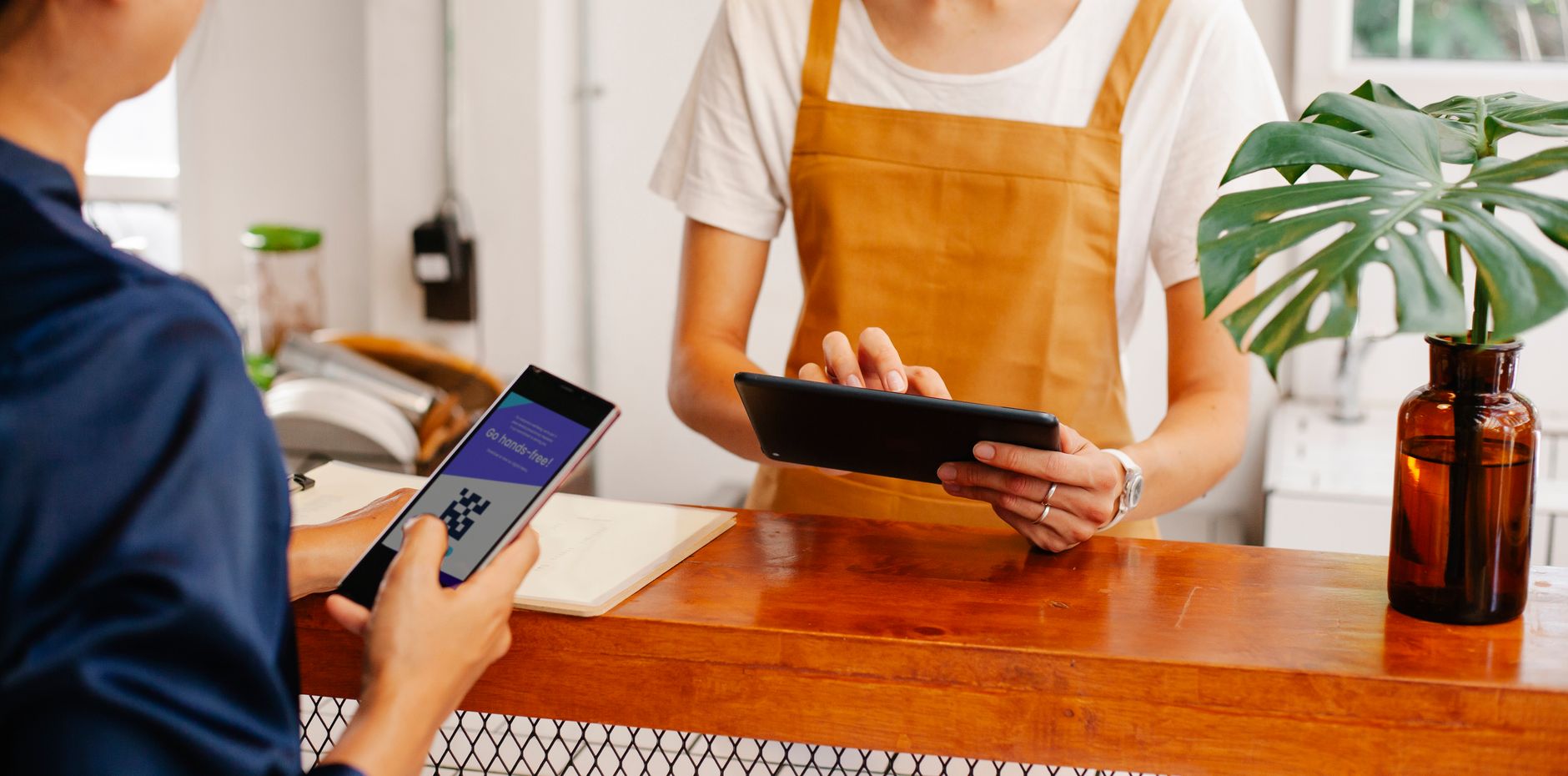
Here is the exact method from Google's own documentation. In your Google Business Profile, select Read Reviews, then Get more reviews. You can copy the short review link or share the QR code from there. The link is formatted as g.page/r/XXXXXXX/review, unique to your business, and tapping it opens your review form with the star selector ready.
One real constraint to plan around: the review-link QR code can only be generated in a desktop web browser, not the Google Maps mobile app. So build it once on a computer. To save the QR code, right-click it and choose Save image as. To copy the link, use the Copy option next to it. Source: Google Business Profile Help.
Keep that link and QR code somewhere you can reach in seconds, because every script below uses them.
Step 2: Ask at the Moment They Are Happiest
Timing decides whether the ask works. The window to ask is right after a good experience, while the customer still feels the result you delivered. The job is finished, the meal landed, the problem is fixed, the parcel arrived. That is the peak, and it fades within a day or two.
A few rules that lift the response rate:
- Ask in person where you can, then follow up with the link, because the verbal nudge plus the easy tap beats either on its own.
- Ask everyone, not only the customers you expect to rave. A steady stream of genuine four and five-star reviews reads as more trustworthy than a short burst of perfect ones.
- Make the ask personal and specific. "It would mean a lot if you left us a quick review on Google" lands better than a generic blast.

Step 3: Use These Ready-to-Use Ask Scripts
You do not need to write these from scratch. Copy one, paste your g.page review link in place of the placeholder, and send. Here are three you can use today, for text, email, and in person.
SMS or WhatsApp, sent within an hour of the job:
``` Hi [Name], thanks for choosing us today. If you have 30 seconds, a quick Google review would help our small business a lot. Here is the one-tap link: [your g.page/r/ review link]. Thank you. ```
Email, sent the same evening or next morning:
``` Subject: A quick favour, [Name]?
Hi [Name],
Thanks again for your business this week. We are a small team and Google reviews make a real difference to how new customers find us.
If you were happy with how things went, would you leave us a short review? It takes under a minute and you can use this one-tap link: [your g.page/r/ review link].
Thank you, it helps more than you know.
[Business name] ```
In person, said out loud as you finish up:
``` "I am so glad that worked out. We are a small business and Google reviews help people find us. If you have a moment, I will text you a link that takes one tap. Would that be okay?" ```
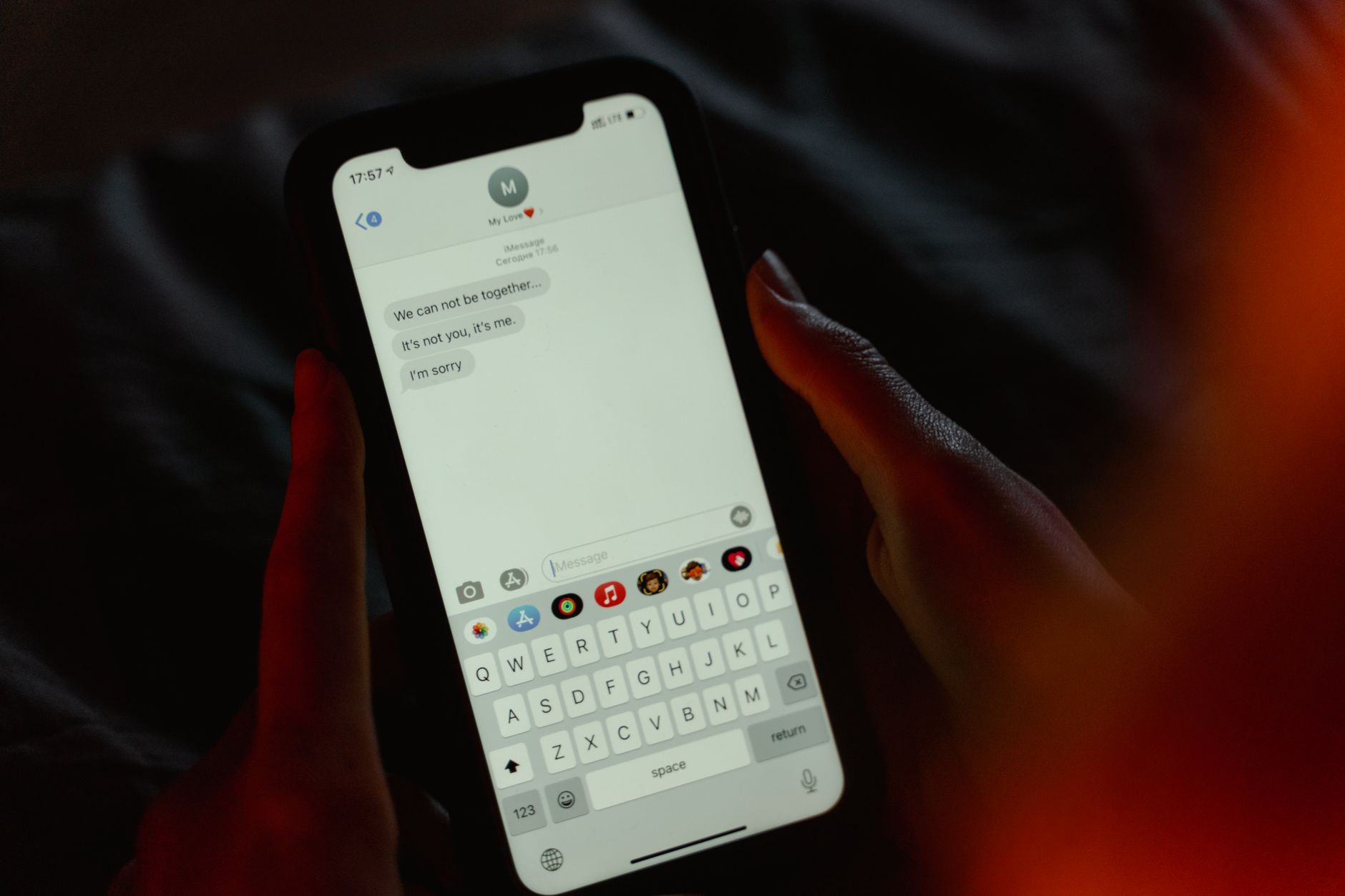
Notice that none of these offer anything in exchange. That matters, and Step 6 explains why.
Step 4: Put the Link Where Customers Already Are
A one-off push gets you a handful of reviews and then stops. To get a steady flow, put your review link and QR code at every point where a happy customer naturally pauses:
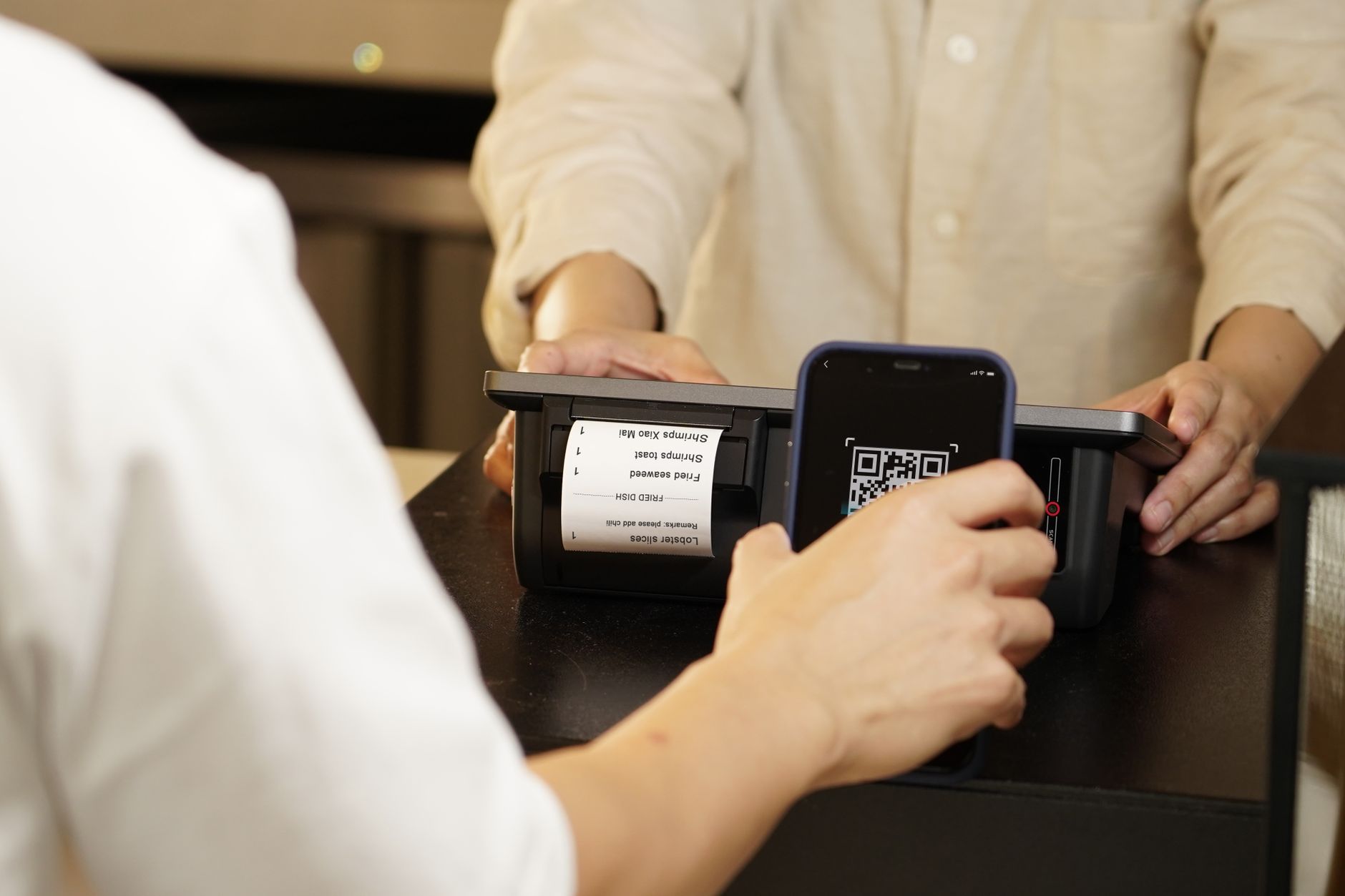
- On printed receipts and invoices, as the QR code with a short line of text.
- In your email signature and your booking confirmation email.
- On a small card or sticker at the counter, the till, or the table.
- As a saved reply in your phone, so the follow-up text takes seconds to send.
- On the thank-you page after an online order or enquiry.
The aim is that asking becomes part of how you finish a job, not a separate task you have to remember.
Step 5: Reply to Every Review, Good and Difficult
Replying is half the value of reviews, and most businesses skip it. Every reply is read by the next customer, not only the one who wrote it. A reply shows a real person stands behind the business and that you pay attention.
For a positive review, keep it short, warm, and specific to what they mentioned:
``` Thank you, [Name]. We are so pleased the [specific thing they mentioned] worked out, and we appreciate you taking the time to leave this. See you next time. ```
For a difficult review, the next customer is reading your reply more than the rating, so a calm, fair response turns a one-star into a trust signal. Stay measured, acknowledge the experience, and move the detail offline:
``` Hi [Name], thank you for telling us, and I am sorry this fell short. That is not the standard we hold ourselves to. I would like to put it right, so please contact us at [email or phone] and I will look into it personally. ```
The etiquette is simple: reply within a few days, never argue in public, never share private details about the customer, and resist matching their tone. Composure reads as confidence.

Step 6: Stay Inside Google's Rules
This is where many well-meaning businesses go wrong, so be clear on it. Google's policy prohibits incentivising reviews. Offering a discount, a freebie, an entry to a prize draw, or any reward in exchange for a review counts as "fake engagement" and is strictly prohibited, whether you are paying for new reviews, paying to change them, or paying to remove negative ones. Buying reviews and posting fake ones from your own accounts break the same rule.
The penalties are real. Violations can get your reviews removed and your Business Profile restricted, which costs you the visibility you were trying to build. Source: Google Business Profile Help.
The rule to remember is simple. You can ask anyone, as often as is reasonable, and you can make it as easy as one tap. What you cannot do is pay for it, reward it, or fake it. Asking is encouraged. Incentivising is banned. Staying on the right side of that line protects the asset you are building, and it is also the honest way to do it.

How Many Reviews You Need, and How Fast
There is no magic number, and chasing one is the wrong goal. What matters is having more recent, higher-rated reviews than the businesses you compete with locally, and keeping them coming. A steady trickle of genuine reviews beats a one-off batch that then goes stale, because recency is part of what Google and customers both read as a live, trusted business.
A workable target for most small businesses running their own marketing is to ask every satisfied customer, every time, and aim for a handful of new reviews each month rather than a sudden flood. Built into the work, that compounds across a year into a review profile that wins the click.
If you sell to local customers, this connects to the wider playbook in our guide to marketing for local businesses, and trades in particular will find the same mechanics paired with job-by-job tactics in marketing for trades. For the bigger picture of turning visibility into bookings, see how to get more customers.